Don’t make
a new card.
Make yours live.
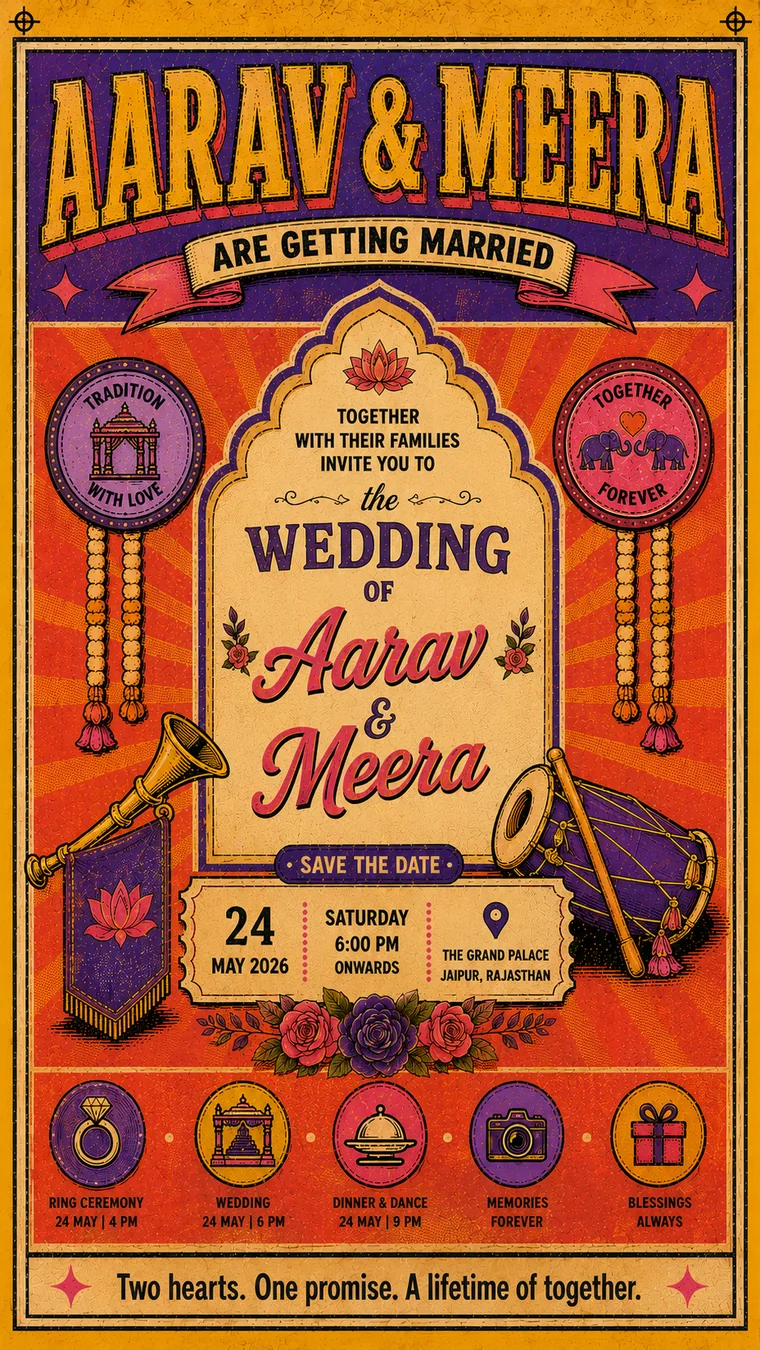
Your creative stays exactly as your designer made it. It just stops being a picture — guests tap for directions, call you, and reply. And when the time changes, you fix it once instead of sending a new card to 300 people.
Free live preview — pay only when you publish your link.
What happens to a card in WhatsApp
By the week of the wedding, nobody can find it to check the time.
When storage runs out, WhatsApp clears old media first. The creative you paid for is gone from their phone.
One changed timing and you are forwarding a corrected card to every group, hoping people notice.
A link fixes all three. Same creative, one address that always shows the latest version.
Three steps. Same creative.
The same image or video your designer, printer or Canva already gave you. Nothing to redesign. Up to 10 pages.
We read the colours off your creative; you pick the page background and style. Live preview as you go.
Share it on WhatsApp. Guests see it full-screen, with buttons that actually do something — and you can change details later without sending anything again.
What it can do once it’s live
Everything a picture in a chat can’t.
One tap takes guests straight to the venue — no “where is it?” calls on the day.
Your numbers, one tap away. Multiple contacts supported.
Guests reply with name and phone; every reply, dietary need and your own questions land on a live dashboard. Export for the caterer.
Up to five extra photos guests can swipe through.
Your track or a YouTube link — plays when guests open the invite.
makemyinvite.in/i/your-names — easy to say out loud, easy to remember.
Muhurat moved? New venue? Change it once. Everyone who already has your link sees the update — no re-sending, no apologies.
A card image is megabytes in 300 phones. A link is one line of text — nothing to download, nothing to delete.
RSVP add-on: ₹100 per 100 guest replies — in the same payment, or add more any time. No subscription. Your page stays live through your event.
Questions people ask
What file do I upload?
Any image of your creative — JPG, PNG, WebP or an iPhone photo (HEIC) — or a video (MP4, MOV, WebM). Best size is 1080 × 1920 (portrait), but any size works: we fit it to the page without cropping.
Does it work for birthdays and other events, not just weddings?
Yes — any creative, any occasion: weddings, birthdays, mundan, retirement, business events. If you can share it as an image or a video, you can make it live.
How much does it cost?
A one-time ₹199 per invitation — no subscription. RSVP is an add-on at ₹100 per 100 guest replies, bought in the same payment or added later.
Can I try before paying?
The whole builder is free to use, with a live preview of exactly what guests will see. You pay only when you publish your link.
How do guests use it?
They tap your link on WhatsApp. Your creative opens full-screen with a small button bar: Events, Directions, Call, Gallery — and RSVP if you switched it on. Nothing to install.
What if the date, time or venue changes after I have sent it?
You change it once in your dashboard. Everyone who already has the link sees the new details the next time they open it — you never send a corrected card or a “please ignore the previous one” message.
Will it fill my guests’ phone storage?
No. You are sending a link, not a file. Nothing downloads, so nothing sits in their gallery and nothing gets auto-deleted when their phone runs out of space.
Do my guests need an app or an account?
No. They tap the link and your creative opens in their browser. Nothing to install, nothing to sign up for.